Deposit crypto directly to fund your PumpCards Platinum card, or link a holder wallet in Rewards to claim earned reflections.
Recent Activity
AllYour crypto deposits, card purchases, and reflection claims will appear here.
PumpCards Platinum
Virtual Mastercard · One card per account
Account Summary
Fund Account & Card
Deposit crypto directly to your PumpCards balance, then issue or top up your PumpCards Platinum card.
1. Deposit Crypto to Account
Choose a live supported asset and network to generate a dedicated deposit address. Credited USD appears in your Account Balance.
Recent Deposits
2. Issue PumpCards Platinum
Once your crypto deposit credits to your Account Balance, quote and issue your PumpCards Platinum card here. Nothing happens automatically—you choose the USD load amount.
PumpCards Platinum
Manage your virtual Mastercard, reveal live credentials, check billing details, and view 3DS codes.
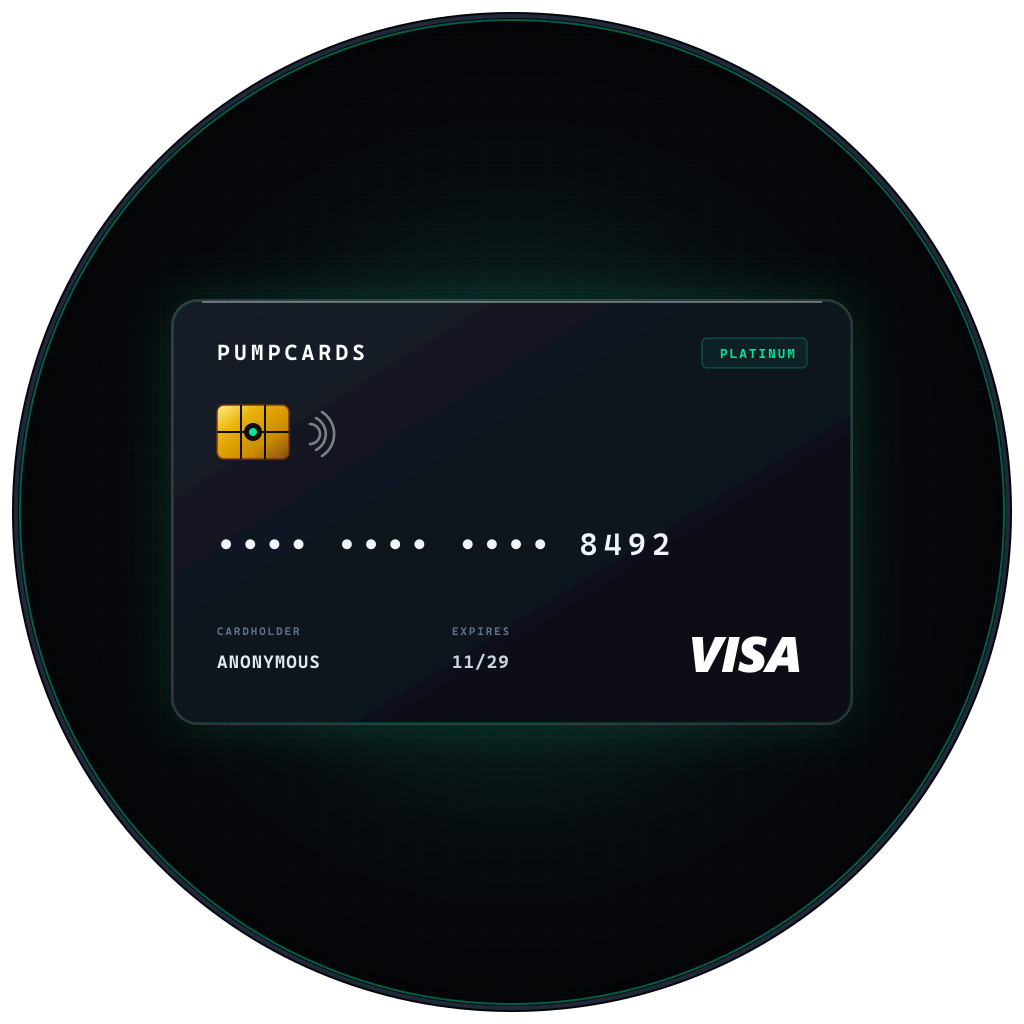 PUMPCARDS
Card Credentials & Controls
Card numbers and CVVs are never stored on our servers—revealing fetches them live after step-up verification.
Card Transactions
Holder Reflections
Link a Solana wallet holding ≥ 100,000 $PUMPCARDS to accrue reflections automatically and claim them onto your PumpCards Platinum card.
Claim Reflections Toward PumpCards Platinum
Once your available reflections reach the live card requirement, submit a signed claim request for review and approval.
Your Reflection Claims
Signed claim requests submitted from this account.
When your accrued reflections pass the minimum threshold and you press Claim, your request status appears here.
Account Settings
Your anonymous PumpCards account details, linked wallet, and session controls.
Linked Solana wallets are bound 1-to-1 permanently to protect reflection accounting; contact support if a linked wallet ever needs review. Keep your downloaded pumpcards-access-key.txt safe—sessions expire automatically after 24 hours.
Clears your active 24-hour session token and any revealed card details from memory. You will need your Access Key to sign back in.